







Key takeaways
- LMS stands for learning management system: a platform that centralizes content, enrolls learners, distributes courses and tracks completion.
- Common LMS features include user management, SCORM and xAPI content import, learning paths, session scheduling, assessments, certificates and HRIS connectors.
- Its main limits are low engagement, poor reach among frontline employees and slow content updates.
- Most organizations keep their LMS for compliance and add a mobile learning tool for daily engagement.
An LMS (learning management system) is software that hosts training content, enrolls learners, assigns courses and records who completed what. An LMS is a management tool before it is a learning tool: it excels at administration and compliance tracking, but it was not designed to drive daily engagement, especially for employees who do not work at a computer.
Once a company grows past a few dozen employees, the same questions come up: where should training live, how do you know who took it, and how do you prove that mandatory requirements are met? For the past twenty years, the default answer has been an LMS.
The term has become so common that it is sometimes used as a catch-all. People use it for a training platform, a course catalog, an HR reporting tool or even a mobile learning app. As a result, many projects start with an LMS when the real need was elsewhere, and end with a properly installed platform that nobody opens.
That management focus is its strength, and also the source of most of the disappointment it causes. Understanding exactly what an LMS does, what it does not do, and what needs to sit next to it saves months of project time on the wrong building block. This article starts with the definition, details the functions found in almost every solution on the market, then takes an honest look at where the model reaches its limits, especially for teams that do not work behind a screen.
What is an LMS, and what is it really for?
An LMS is a platform for administering training: it knows who must take which course, by when, and keeps proof that it happened. Its value lies in organization and traceability more than in the learning experience itself.
A simple definition
LMS stands for learning management system. It is a software platform that centralizes training content, enrolls learners, distributes courses and records what has been completed.
The key word in the acronym is management. An LMS was not designed to make training more effective or more enjoyable, but to administer it: knowing who needs to take what, by when, and producing proof that it happened. The first generations appeared in universities in the late 1990s, before corporate training departments adopted them as e-learning went mainstream.
That origin explains how these tools are built. The logic is that of a catalog: content is uploaded, populations are assigned, tracking is produced. The learner is expected to log in and complete the course they have been assigned.
What features does an LMS have?
Despite differences in positioning and price, most LMSs share a fairly stable core. It includes user and group management, import of content in standard formats such as SCORM or xAPI, learning paths combining several modules, scheduling of in-person or virtual sessions, and completion reporting.
Almost all of them add an assessment engine, a certificate system and connectors to the HRIS to sync headcount. The most complete solutions also handle training requests, budgets and relationships with external training providers.
It is a solid foundation, and it meets real needs. For a training department that must show that 4,000 employees completed their compliance module before the end of the fiscal year, the LMS remains the natural tool. No other category of software does this kind of large-scale tracking as well.
Who uses an LMS, and for what content?
In practice, an LMS is used by two very different groups. On one side, administrators in HR or training spend a lot of time in the tool and get real value from it. On the other, learners log in a few times a year, often because they were asked to.
The content that works well in this setting has a few things in common: it is long, structured, and its value does not expire every three months. Think of a job onboarding program, an annual regulatory course, a certification track, or technical upskilling planned over several weeks. This is content you design once and deliver for years.
The system jams on everything else: a new product to announce within 48 hours, a safety reflex to refresh every month, field information to share at the right moment. These needs exist in every company, and they do not fit into a thirty-minute module.
What are the limits of an LMS?
An LMS has three main limits: it measures completion rather than retention, it misses employees without a desk, and it is slow to update. None of these are bugs; they come from what the tool was built for.
Engagement, the model's blind spot
An LMS measures completion. That is consistent with its purpose, but completion says little about what was actually retained. An employee who clicks through to the last screen of a module just to make the notification go away has 100% completion, exactly like the one who read every page.
The problem is not learners' lack of goodwill, it is the format. A single long session is quickly forgotten, a phenomenon documented for more than a century under the name of the forgetting curve. Without reactivation, most of the content fades within a few weeks. Yet an LMS is structurally poorly equipped to organize these reminders: it knows how to assign a module, much less how to create short, regular learning rituals.
That is why more and more organizations are looking at an alternative to the traditional LMS, not to replace the management layer, but to fill the gaps it leaves.
The employees an LMS does not reach
The second limit is even more concrete. An LMS assumes a workstation, a work email address and available time. Those three conditions are not met for a large share of the workforce.
A store associate, a production operator, a delivery driver, a field technician, a security guard: none of them has an hour in front of a screen. Many have no work email, or share a computer with ten colleagues. In these settings, login rates collapse, and it is not a content problem but an access problem. It is exactly the difficulty faced by companies whose LMS does not meet the needs of frontline teams.
The gap is especially visible on safety and compliance topics, where the stakes are highest. Mandatory training deployed on a tool that half the teams never open creates compliance on paper only. The safety awareness programs that work are the ones that reach employees where they are, not the ones that wait for them on a platform.
Updates and responsiveness
The third limit is time. Changing a SCORM module means reopening the authoring tool, re-exporting the package, re-importing it, testing it again, then reassigning it. Between the decision and the rollout, rarely less than a few weeks go by.
That delay is acceptable for an annual program. It is not acceptable for an instruction that changes, a price that moves, an incident to document or a new product to announce before the weekend. Companies that need to share the right information at the right time end up working around the tool: emails, messaging groups, posters in the break room, morning briefings. The information circulates, but nobody knows who received it.
The table below summarizes the needs an LMS covers well, and those that call for something else.
| Need | Is an LMS a good fit? | What to add alongside |
|---|---|---|
| Track mandatory regulatory training | Yes, it is its core job | Nothing, unless some employees have no access |
| Deliver a long, structured program | Yes | Spaced reminders to make it stick |
| Build a lasting habit or reflex | Partly, no repetition logic | Short, recurring sessions |
| Reach employees without a workstation | Rarely | A mobile app with frictionless login |
| Share information within 24 hours | No | A trackable news channel |
| Engage and develop a network of teams | No | Team mechanics and leaderboards |
Should you choose, complement or move beyond your LMS?
For most organizations, the answer is to keep the LMS for what it does well and complement it with a tool built for daily engagement. Three questions help decide before investing.
What questions should you ask before buying an LMS?
Before comparing feature grids, three questions save a lot of time.
The first is about your actual workforce. How many employees have a workstation, a work email address and dedicated time to train? If the answer covers less than half of your headcount, the LMS cannot be the only building block of your setup.
The second is about the nature of the need. Do you need to prove that training took place, or to make sure it has an effect on the ground? Both are legitimate, but they do not call for the same tool, and confusing the two is the most common mistake at the scoping stage.
The third is about pace. Is your content stable over several years, or does it change every month? A platform built for a catalog and a platform built for a continuous flow are managed in completely different ways from the back office.
Combining management and engagement
In practice, most organizations that have solved this did not replace their LMS. They refocused it on what it does well and added a dedicated layer for daily engagement next to it.
The split of roles is fairly natural. The LMS handles the regulatory foundation, long programs, certification and HR records. The mobile layer handles repetition, news, team engagement and access for frontline employees. The two complement each other instead of competing, and above all they do not share the same metrics: completion on one side, daily participation and progress by team on the other.
This second layer requires a back office that can run continuous campaigns rather than manage a catalog. The difference is structural: you no longer think in sessions to open, but in flows to feed and audiences to engage. If you are weighing an LXP for this role, our comparison of LMS vs LXP covers the selection criteria.
Where SPARTED fits in
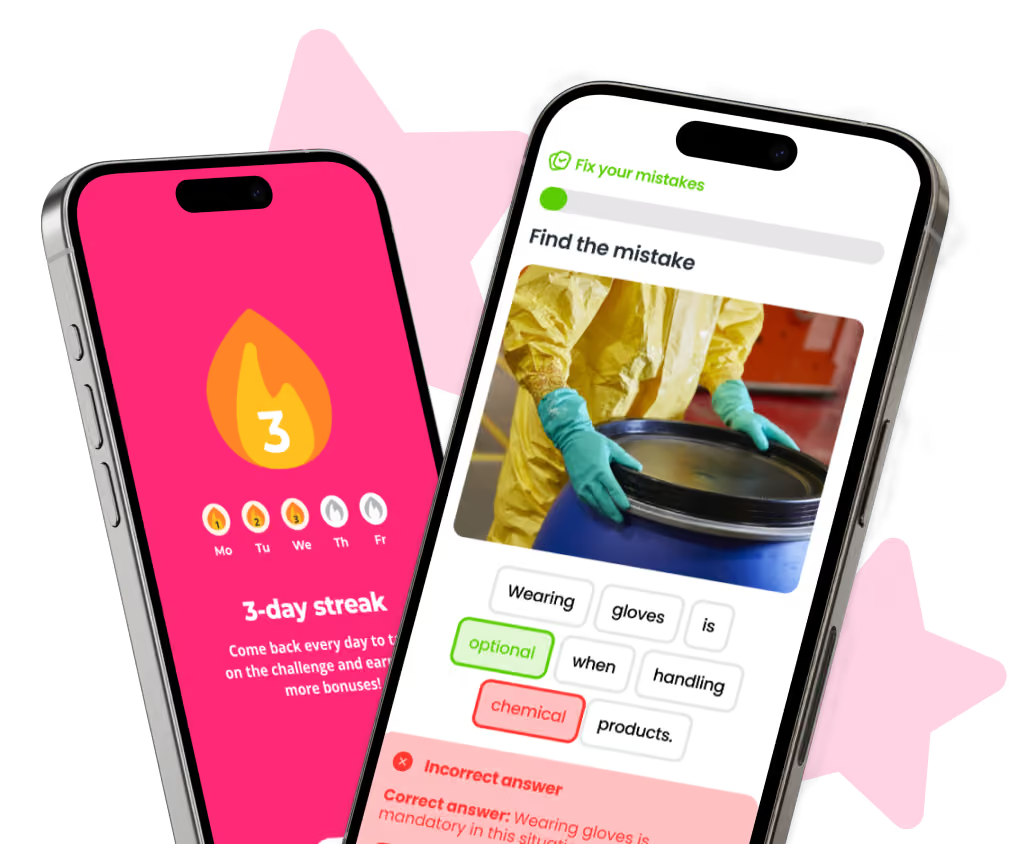
SPARTED is a mobile learning platform designed to engage teams in a few minutes a day. It combines a customized, gamified and social mobile app, a Back Office to manage content, campaigns and audiences, and analytics focused on actual usage.
It is not an LMS and is not meant to become one. The two are deliberately complementary: many customers keep their LMS for compliance and certification tracks, and use SPARTED for everything that happens day to day. One question every morning instead of one module a year, a Breaking News to share information within hours, Battles and Leaderboards between teams to keep momentum going, a Wiki two taps away when an employee needs to check a procedure.
The main benefit is with the employees an LMS does not reach. Because the app is on their phone and each session lasts three minutes, it reaches store associates, operators, drivers and technicians who would never log in to a platform from a computer. Analytics then show, team by team, what is mastered and what needs to be refreshed, which gives frontline managers a real lever. To go further, the SPARTED mobile learning platform page details how each component works.
Frequently asked questions
What is an LMS in simple terms?
An LMS, or learning management system, is software a company uses to store training content, assign courses to employees and track who completed them. It is mainly an administration and compliance tool.
What is an example of an LMS?
Well-known examples include Moodle, an open-source LMS widely used in education, as well as corporate platforms such as Cornerstone, Docebo or SAP SuccessFactors Learning. They differ in price and positioning but share the same core: content hosting, enrollment and completion tracking.
What is the difference between an LMS and an LXP?
An LMS manages and tracks training; an LXP (learning experience platform) focuses on the learner, with personalized recommendations, short content and social features. Many companies use both.
Is an LMS enough to train frontline employees?
Rarely on its own. Frontline employees often have no workstation, no work email and little time, so LMS login rates tend to be low. Companies usually add a mobile learning app with short sessions to reach them.


Need a mobile learning solution?
A simple, fast and engaging solution, up and running in under 2 weeks.
Discover our solutionWhat your LMS doesn't cover
See how SPARTED engages frontline teams every day, alongside your LMS.
Book a demoGuide How to measure the ROI of your frontline training
Concrete calculations, proven methods and field examples to justify your training investment to leadership.
Read the guide →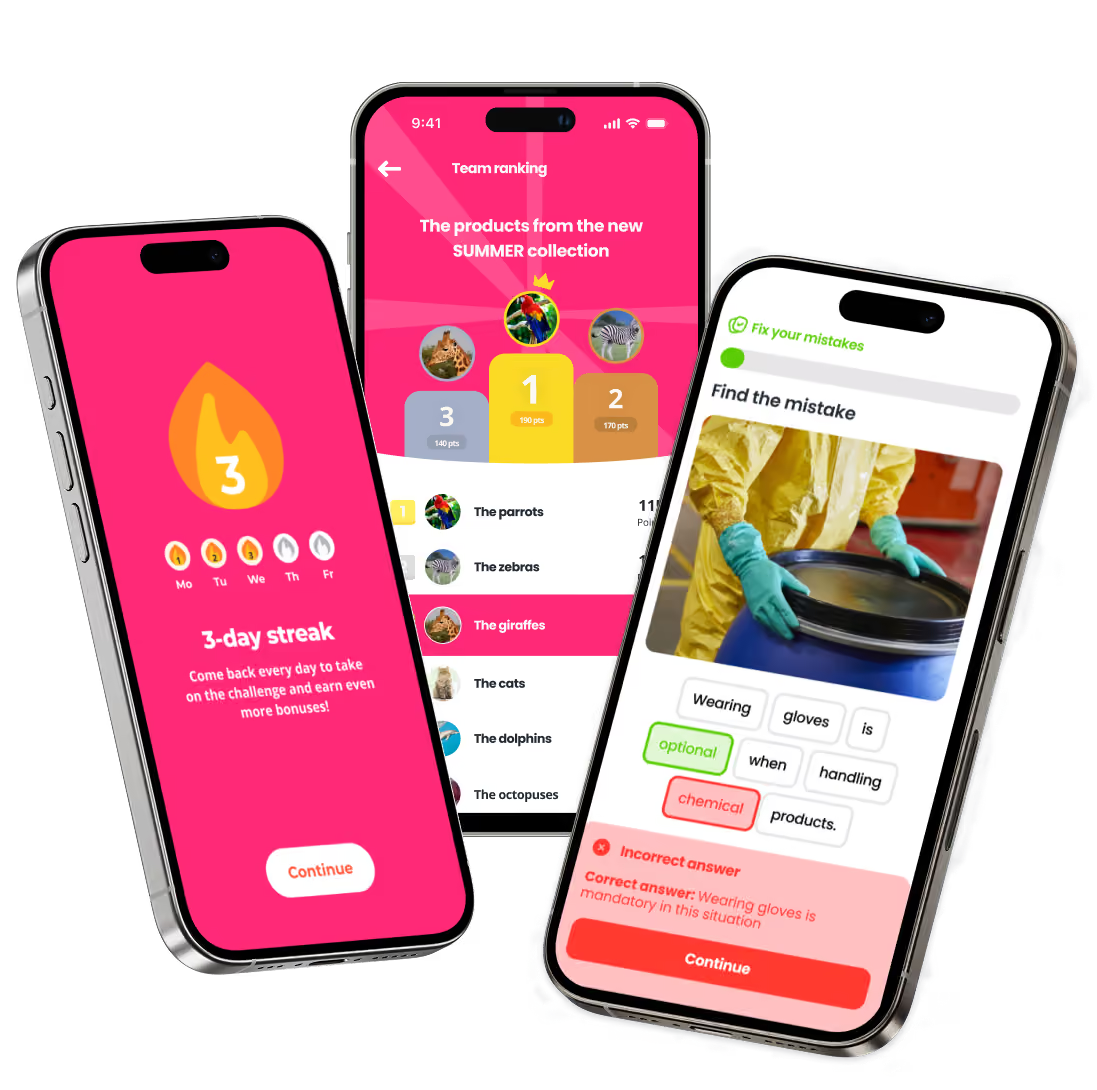
Need a mobile learning solution?
The simple, social and gamified solution, up and running in under 2 weeks.
Discover our solution