







Key takeaways
- Segment your workforce by access to training (desk or no desk), not by job title.
- Separate three needs: compliance, skill building and ongoing engagement. Few platforms cover all three well.
- Replace a 200-line requirements grid with 5 to 8 deal-breaker criteria that vendors must demonstrate live.
- Run a 6 to 8 week pilot on two or three sites and judge it on real usage, not satisfaction surveys.
- Plan who will run and animate the platform before you sign, not after rollout.
To choose an e-learning platform in 2026, start from your employees' real constraints (time available, device, access to a computer), not from a feature list. Then compare a handful of decisive criteria, real usage, content production effort, analytics and total cost, and test your shortlist on a pilot before committing.
Choosing an e-learning platform is rarely a rational exercise. You start from a comparison found online, sit through four demos that all look alike, fill in a fifty-criteria grid, and end up deciding on price or on how much you liked the sales rep. Six months later, the tool is deployed and usage has stalled far below expectations.
The problem rarely comes from the platform itself. It comes from the fact that the decision was based on features, when it should have been based on usage conditions. A platform that works perfectly for office teams can be completely unsuited to a store network, and vice versa.
The right starting point is not the feature list, it is the constraints of the field. How much time do your employees really have? On which device? How often? With what level of support? These answers rule out half the market before the first demo.
This article offers a three-step method: define the need before comparing tools, identify the criteria that really set solutions apart, then secure the move from selection to rollout, where most projects fail.
Define the need before comparing tools
Defining the need means knowing who you will train, under what conditions and for what purpose. These answers determine which category of e-learning platform is relevant, long before any feature comparison.
Who will be trained, and under what conditions?
The first question is not "what do we want to teach?" but "who are we trying to reach, and how?" That question determines the relevant category of tool.
Segment your workforce by access, not by job. On one side, people with a workstation, a work email address and an identifiable time slot for training. On the other, those who have none of these: store associates, operators, drivers, field technicians, care staff, security guards. These two groups will never use the same tool in the same way, and a single program almost always ends up serving only the first.
Also look at turnover and seasonality. A retailer that renews a third of its teams every year doesn't have the same needs as an industrial company where average tenure exceeds ten years. In the first case, onboarding speed and ease of use matter more than a rich catalog. Our complete guide to mobile learning in the workplace details the typical uses for these mobile populations.
Compliance, skill building and engagement: three different needs
Behind the word "training" lie three needs that call for different answers, and confusing them is the most common cause of disappointment.
The first is compliance: proving that mandatory training was completed, on time, by the right people. The key issue is traceability, and it is fairly well covered by traditional learning management platforms.
The second is skill building: helping employees progress durably on a job, a product or a customer approach. The goal is no longer proof but retention, which requires repetition and assessment over time.
The third, often forgotten when choosing, is engagement: keeping people's attention, sharing current information, and sustaining a collective dynamic across a dispersed network. It is as much an internal communication issue as a training one, and very few e-learning platforms handle it seriously.
The trap of the 200-line requirements document
An exhaustive criteria grid gives a sense of rigor, but it often produces the opposite: it favors the most feature-rich platforms, which are rarely the most used.
The reason is simple. A vendor almost always ticks the box, even if the feature is basic or hard to use. A 200-line grid no longer discriminates anything: it measures feature coverage, not usability. Meanwhile, the criteria that will actually decide the project's success, such as time to reach content, production workload for the training team or engagement capability, get lost in the middle of a spreadsheet.
A more effective approach is to define five to eight deal-breaker criteria, based on real situations, and ask vendors to demonstrate them live rather than tick them. "Show me how a sales associate receives and handles a product update published this morning" says more than thirty lines of specifications.
Which criteria really set e-learning platforms apart?
Three blocks of criteria make the difference: accessibility and real usage, the effort needed to produce and update content, and the combination of analytics, integrations and total cost.
Accessibility and real usage rates
The first criterion is also the most decisive: how many seconds separate an employee from the content. A forgotten password, a VPN, a shared computer, and usage collapses.
Ask each vendor about the real login journey, especially for employees without a work email. Ask for adoption figures on deployments comparable to yours, in size and type of population, and be wary of rates expressed as a percentage of enrolled users rather than of the total workforce. The gap between the two is often huge.
Format matters as much as access. A three-minute session fits into a busy workday, a thirty-minute session has to be scheduled. For frontline teams, the time constraint is non-negotiable, and it determines what frequency you can reasonably expect.
How much effort does content production take?
The second criterion is the workload for the training team. A powerful platform that is hard to feed with content ends up unused, whatever its technical quality.
The useful questions are concrete. How long does it take to create a ten-question piece of content? Do you need an external authoring tool? Who can publish, and with what approval? What happens when information changes: do you have to re-export everything, or can you edit online? These points seem secondary during selection, but they determine your publishing pace for the next three years.
Also look at what the tool lets you delegate. In multi-site networks, allowing a regional manager or a subject matter expert to publish local information completely changes the dynamic, provided that management stays centralized in the back office.
Analytics, integrations and total cost
The third block covers what can be measured and what it really costs.
On analytics, the question is not whether the platform produces reports, they all do, but which indicators it exposes. Completion rates tell you about the administration of the program. Daily participation, progress by team and mastery by topic tell you about its effect. The latter are the ones that let you steer the program and demonstrate its impact, a topic covered in detail in our article on measuring mobile learning ROI.
On integrations, focus on the ones that will actually be connected in year one: your HRIS to sync employee data, SSO if the relevant populations have access to it, and export to your BI tool if needed. The rest can wait.
Finally, on cost, add up the license, initial setup, content production, rollout support and internal administration time. A platform that is cheaper on license but takes up one full-time employee rarely ends up being the most economical. The table below summarizes the criteria to prioritize depending on your main need.
| Main need | Priority criteria | Indicator to track |
|---|---|---|
| Compliance and legal requirements | Traceability, archiving, deadline management | Completion rate across the target workforce |
| Job skill building | Spaced repetition, assessment, personalization | Progress in correct answer rate |
| Network engagement | News channel, team mechanics, local delegation | Weekly participation by site |
| New hire onboarding | Ease of use, automated learning paths | Time to autonomy on the job |
| Teams without a workstation | Frictionless mobile access, very short format | Share of the workforce active each week |
From selection to rollout
A successful rollout depends on two decisions made before signing: testing the platform in real conditions on a small scope, and planning who will run and animate it.
How do you run a pilot before a full rollout?
A platform is judged in real conditions, not in a demo. Before signing for three years and ten thousand users, plan a pilot on a representative scope: two or three sites, one frontline population, a topic that matters to the teams.
A good pilot lasts six to eight weeks, long enough to get past the novelty effect and see what happens when initial curiosity fades. Set success criteria before you start, focusing on usage rather than self-reported satisfaction: share of the workforce active each week, regularity, progress on the topics covered.
Involve frontline managers from this stage. They are the ones who will keep the program alive afterward, and their view of the effort it takes to run is worth more than any satisfaction survey filled in by learners.
Plan engagement from the selection phase
The most expensive mistake is treating engagement as a post-rollout topic. A platform does not create engagement by itself: rituals, reminders, highlights and the people who drive them do.
In practice, you need to identify during selection who will publish, how often, and with what time budget. You will also need a network of ambassadors or subject matter experts, a simple editorial calendar, a few highlights during the year, and above all mechanics that make people want to come back: team leaderboards, challenges, recognition of the most regular participants.
This collective dimension makes a big difference in dispersed networks. The performance of frontline teams depends as much on group dynamics as on content quality, and a platform that ignores this leaves the biggest adoption lever unused.
Where SPARTED fits
If your main challenge involves teams who have neither a workstation nor dedicated training time, the relevant category of tool is not the traditional e-learning platform but the mobile learning platform.
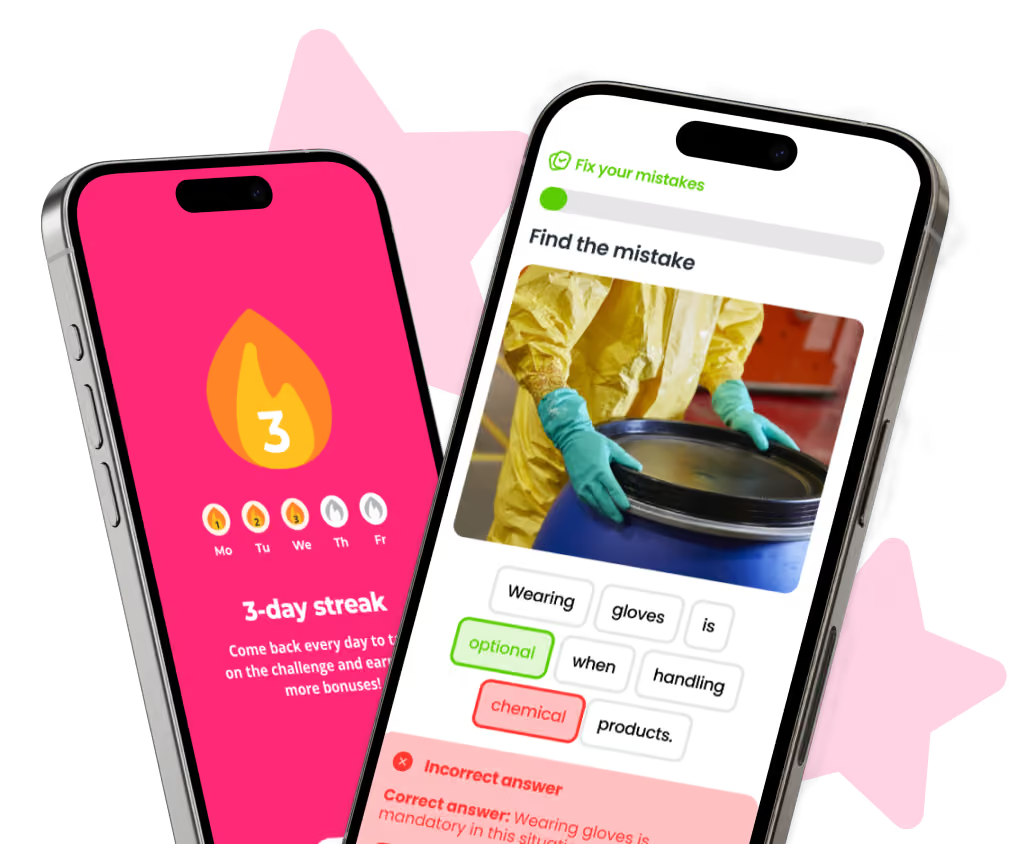
SPARTED follows this logic: a custom, gamified and social mobile app designed for three-minute daily sessions, combined with a Back Office to manage content, audiences and campaigns, and analytics focused on real participation rather than completion alone. Breaking News lets you share information within hours, Battles and team Leaderboards keep the dynamic going, and the Wiki and Documents stay available when an employee needs to check a procedure.
The point is not to replace an existing LMS, but to cover what it doesn't. Many organizations keep their management platform for compliance and long courses, and add a mobile program for daily engagement and access for frontline teams. The details of the SPARTED platform show exactly what this approach covers, and the use cases where it has the most impact.
Frequently asked questions
What is an e-learning platform?
An e-learning platform is software used to create, deliver and track online training. It ranges from traditional LMSs, built for structured courses and compliance, to mobile learning platforms designed for short sessions on a smartphone. The right type depends on who you need to train and how much time they have.
What criteria should you use to choose an e-learning platform?
Focus on a few decisive criteria: how quickly employees can access content, the effort needed to create and update it, the analytics available beyond completion rates, the integrations you will actually use in year one, and the total cost including internal time. Ask vendors to demonstrate each criterion on a real scenario.
How long should an e-learning platform pilot last?
A pilot of six to eight weeks is usually enough to get past the novelty effect. Run it on two or three representative sites, define success criteria beforehand, and measure real usage, such as the share of employees active each week, rather than satisfaction scores.
Is an LMS enough to train frontline employees?
Often not on its own. An LMS handles compliance and long courses well, but employees without a desk or work email rarely use it. Many companies keep their LMS and add a mobile learning platform for daily engagement and frontline access.


Need a mobile learning solution?
A simple, fast and engaging solution, up and running in under 2 weeks.
Discover our solutionA platform built for the field
See how SPARTED reaches employees without a workstation, in three minutes a day.
Book a demoGuide How to measure the ROI of your frontline training
Concrete calculations, proven methods and field examples to justify your training investment to leadership.
Read the guide →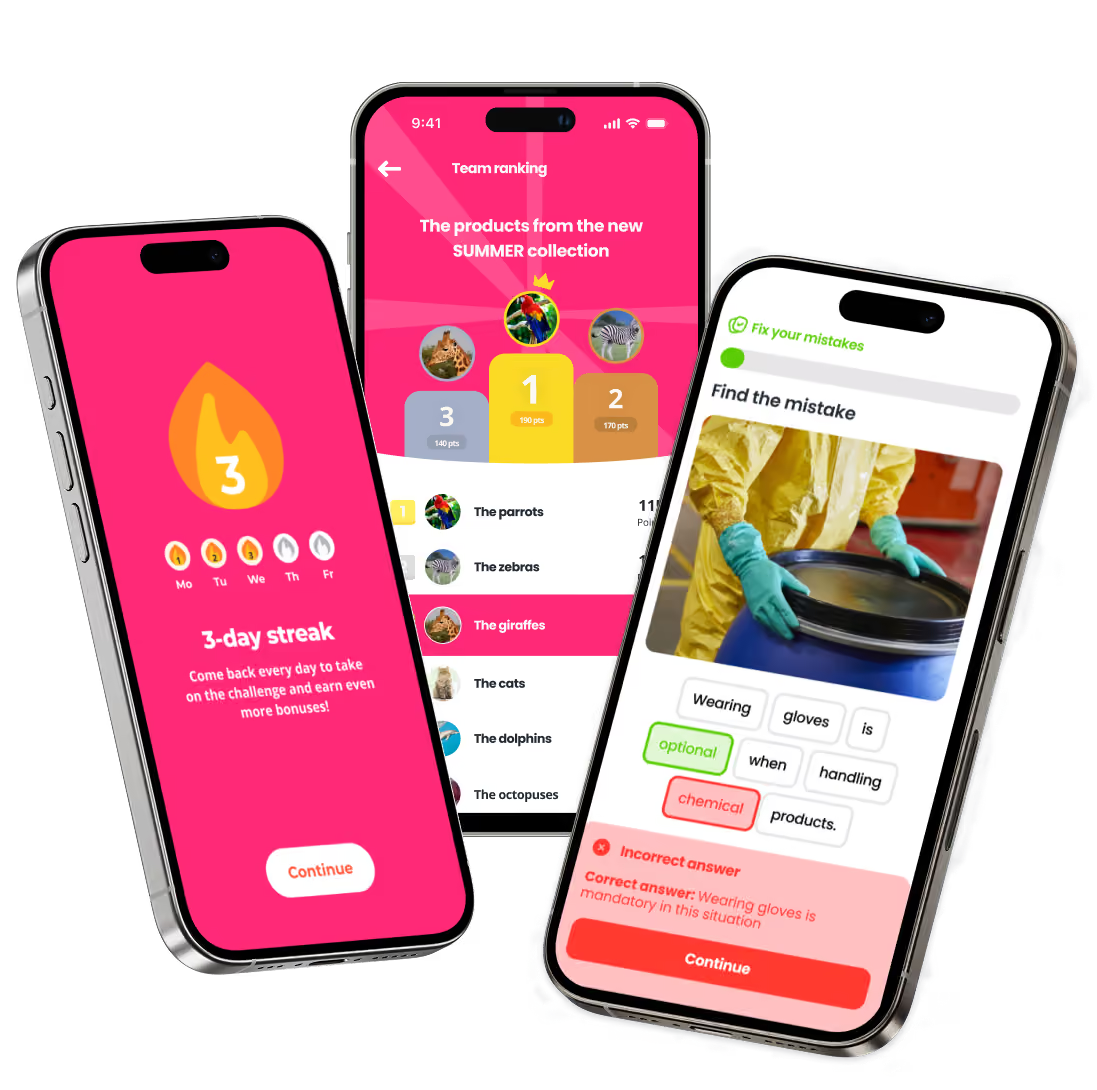
Need a mobile learning solution?
The simple, social and gamified solution, up and running in under 2 weeks.
Discover our solution